Smart home devices for seniors get marketed as a solution to almost everything — safety, loneliness, medication reminders, fall detection. Some of that promise is real. A lot of it is overstated. This guide separates the devices that genuinely help an aging parent stay safe and independent at home from the ones that sound impressive but rarely get used once the novelty wears off.
About 49% of older adults already own at least one smart home device, but only 34% feel their home has the technology it actually needs to support aging in place, and fewer than 10% have dedicated safety technology like a medical alert system, according to industry research. There's a real gap between what families buy and what actually gets used — this guide is about closing that gap.
Key Takeaways
- Medical alert systems remain the highest-value safety device — especially fall-detection models, given that 44% of older adults report a fall after age 65.
- Voice assistants are genuinely useful for isolated seniors — for reminders, calling family, and quick information, not just novelty.
- The best device is the one your parent will actually use — ease of use matters more than the number of features.
- Start with one or two devices, not a full smart home overhaul — too much new technology at once tends to overwhelm rather than help.
- Technology supplements human care — it doesn't replace it — a device can alert someone to a problem, but a person still has to respond.
Medical Alert Systems: Start Here
If a family can only invest in one piece of technology, most elder care professionals point to the same answer: a medical alert system, ideally one with automatic fall detection. These devices — worn as a pendant, wristband, or clipped to clothing — let a parent call for help with the press of a button, and fall-detection models can call for help automatically if a fall is detected and the wearer doesn't respond.
Modern systems have moved well past the old image of a landline-tethered pendant. Many now work over cellular networks with GPS, meaning they function outside the home too — in the yard, at the store, on a walk — which matters, since falls don't only happen indoors.
Dee, Morning Star's founder: "I recommend a medical alert system to almost every family I work with, especially anyone living alone. It's the device with the clearest, most direct safety payoff, and it's also usually the one parents resist the most at first because it feels like admitting they need help."
Voice Assistants: More Useful Than They Sound
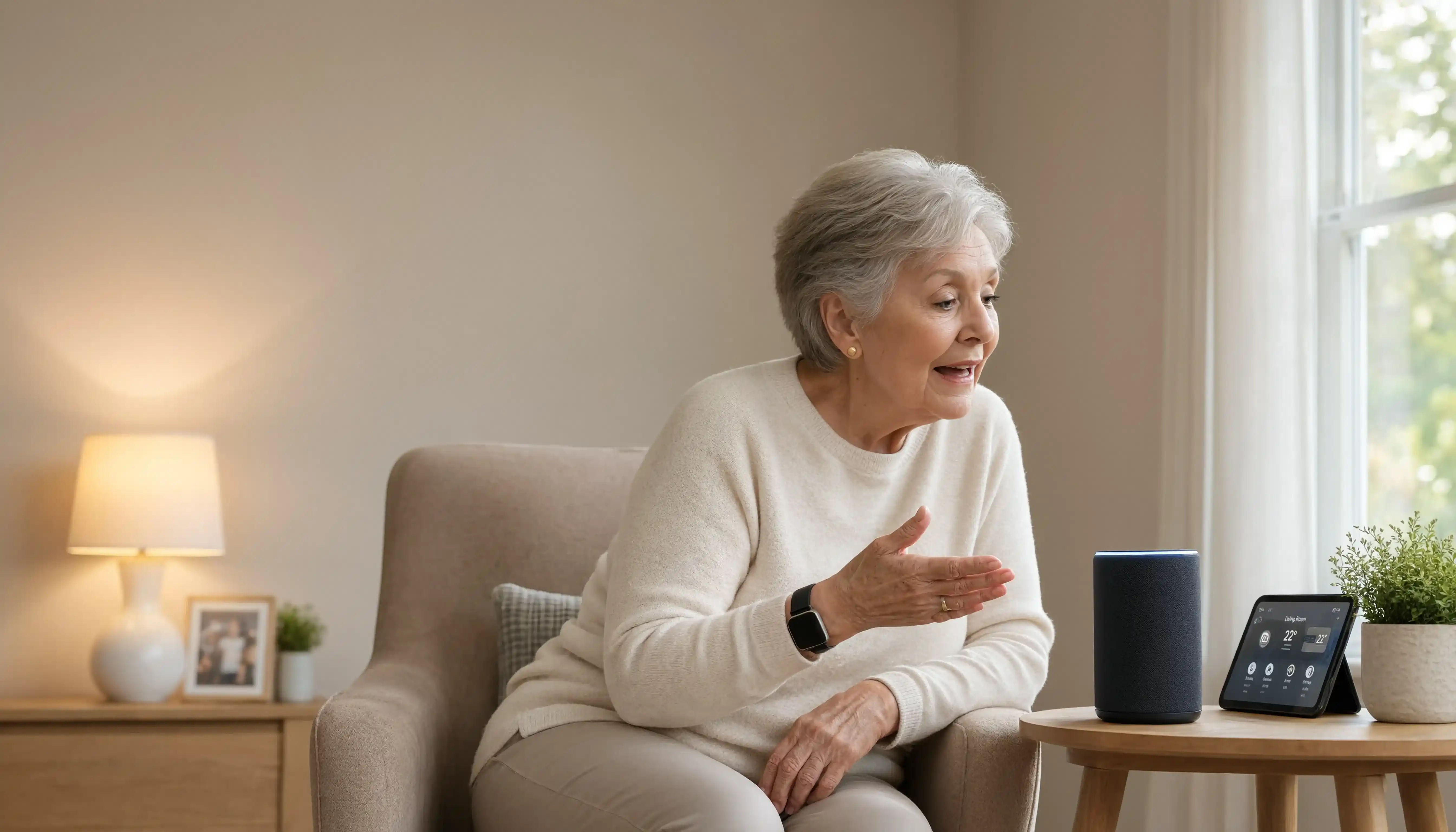
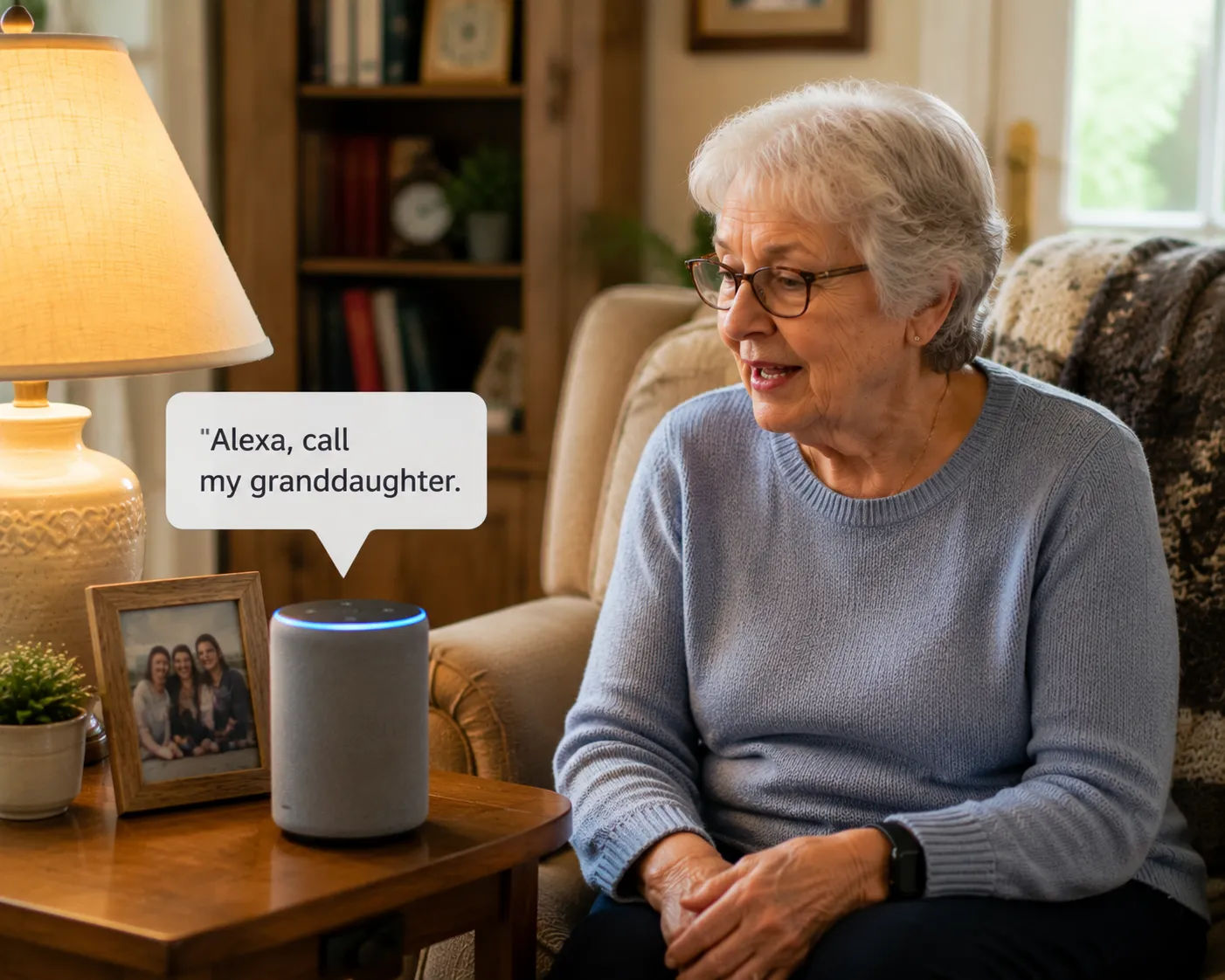
Smart speakers like Amazon Alexa or Google Home get dismissed by some families as gimmicks, but for an isolated or lonely senior, being able to say "call my daughter" or "remind me to take my medication at 5" out loud, without navigating a phone menu or remembering a number, removes a real barrier.
- Voice-activated calling to family members, without needing to dial or remember a number.
- Medication reminders set up as recurring voice alerts.
- Quick access to information — weather, news, the time — without needing to read small text on a screen.
- Music and audiobooks, which some families find helps combat isolation and boredom during long days alone.
The learning curve matters here. A voice assistant that requires a complicated setup process, or that a parent doesn't feel confident using, becomes an expensive paperweight rather than a safety tool. It's worth spending real time on initial setup together, and choosing simple routines over ambitious ones at first.
Smart Lighting and Motion Sensors
Automatic and motion-activated lighting addresses one of the most common and preventable fall risks: a dark path at night. Smart plugs and bulbs that turn on automatically at dusk, or motion sensors that light a path from bed to bathroom, remove the need for a parent to fumble for a switch in the dark — a moment when many nighttime falls happen.
These devices are also among the least intrusive and least expensive to set up, which makes them a reasonable starting point for families hesitant to introduce more complex technology all at once.
Video Doorbells and Security Cameras
A video doorbell lets a parent see and speak to whoever's at the door without opening it or even getting up — useful both for general safety and, increasingly, as a defense against scammers who target older adults at the door. Some families also use indoor cameras in common areas, though this raises real questions about privacy that are worth discussing openly with a parent rather than installing quietly.
"We put a video doorbell in for my dad mostly because of a scam that hit our town — someone posing as a utility worker. He can see exactly who's there now before deciding whether to open the door, and honestly it's given him more confidence, not less."
Medication Management Devices
Automated pill dispensers lock medication into daily or hourly compartments and can alert a family member if a dose is missed. For parents managing multiple prescriptions, this addresses two separate risks at once: forgetting a dose, and accidentally double-dosing by not remembering whether a pill was already taken.
These devices range from simple, low-cost weekly organizers with alarms to more sophisticated dispensers that text a caregiver automatically if medication isn't taken on schedule. The right level of complexity depends on how many medications your parent takes and how reliably they've been managing them on their own.
Remote Health Monitoring
Since 2025, Medicare has expanded coverage for remote patient monitoring and telehealth services, which has made devices like connected blood pressure cuffs, glucose monitors, and pulse oximeters more accessible and, in many cases, at least partially covered. These devices transmit readings directly to a physician or care team, catching concerning trends before they become emergencies. This category is evolving quickly, and it's worth asking your parent's physician directly whether remote monitoring is appropriate for any conditions they're managing, since a doctor's recommendation often comes with guidance on which specific devices integrate with their care.
Quick Comparison: Where to Start
| Device | Best For | Typical Cost |
|---|---|---|
| Medical alert with fall detection | Anyone living alone, or with a fall history | Monthly subscription, low monthly cost |
| Smart speaker / voice assistant | Isolated seniors, medication reminders | One-time device cost, low |
| Smart lighting / motion sensors | Nighttime fall prevention | Low, no subscription |
| Video doorbell | Scam prevention, general security | One-time cost, sometimes small subscription |
| Automated medication dispenser | Multiple prescriptions, memory concerns | Moderate, sometimes with subscription |
| Remote health monitoring devices | Managing chronic conditions with physician involvement | Varies, sometimes Medicare-covered |
What to Avoid: Technology That Sounds Good but Rarely Gets Used
Not every smart device delivers on its promise. Overly complex systems with multiple apps, subscriptions, and setup steps tend to get abandoned within weeks, especially if a parent isn't comfortable with smartphones to begin with. Full "smart home" ecosystems — where lighting, locks, thermostats, and appliances are all centrally controlled through one hub — can be genuinely useful, but they're also the most likely to overwhelm a parent who just wants things to work simply.
A good rule of thumb: if setting up or using a device requires more than a few simple steps, or if it depends entirely on a smartphone your parent doesn't use comfortably, it's probably not the right starting point, however impressive it sounds in a product review.
Introducing Technology Without Overwhelming Your Parent
The way new technology gets introduced matters as much as which device is chosen. Bringing in several new gadgets at once, all requiring their own learning curve, tends to backfire — even useful devices get set aside if the introduction feels overwhelming.
- Start with one device, let your parent get comfortable, then add another.
- Frame it around something they already care about — staying in their own home longer, staying in touch with grandchildren — rather than as "safety technology," which can feel like a label about decline.
- Sit with them through the first several uses rather than handing over a device with instructions and leaving.
- Expect some resistance to anything associated with needing help, and don't be discouraged if the first device isn't the one that sticks.
Smart Locks and Home Access
Smart locks let a parent or family member unlock a door remotely or via a keypad code, which solves a specific, common problem: a parent locked out after misplacing keys, or a family member needing to let in a home care aide without a spare key changing hands repeatedly. Some models also send a notification when the door is unlocked, which can offer peace of mind for a family member checking in from a distance. The tradeoff is complexity — a smart lock that malfunctions or loses connectivity at the wrong moment can turn into its own emergency, so it's worth choosing a well-reviewed model and keeping a physical spare key as backup, stored somewhere accessible to family.
GPS Trackers and Wandering Prevention
For families managing a parent with dementia or cognitive decline, wandering is a serious and specific safety concern separate from general fall risk. GPS trackers — worn as a watch, clipped to clothing, or built into shoes — allow a family member to locate a parent quickly if they leave the house unexpectedly, which can be the difference between a brief, manageable incident and a dangerous situation, especially in cold weather. Door and window sensors that send an alert when opened during specific hours add another layer of protection for households managing wandering risk, often used alongside GPS tracking rather than instead of it.
Video Calling and Combating Isolation
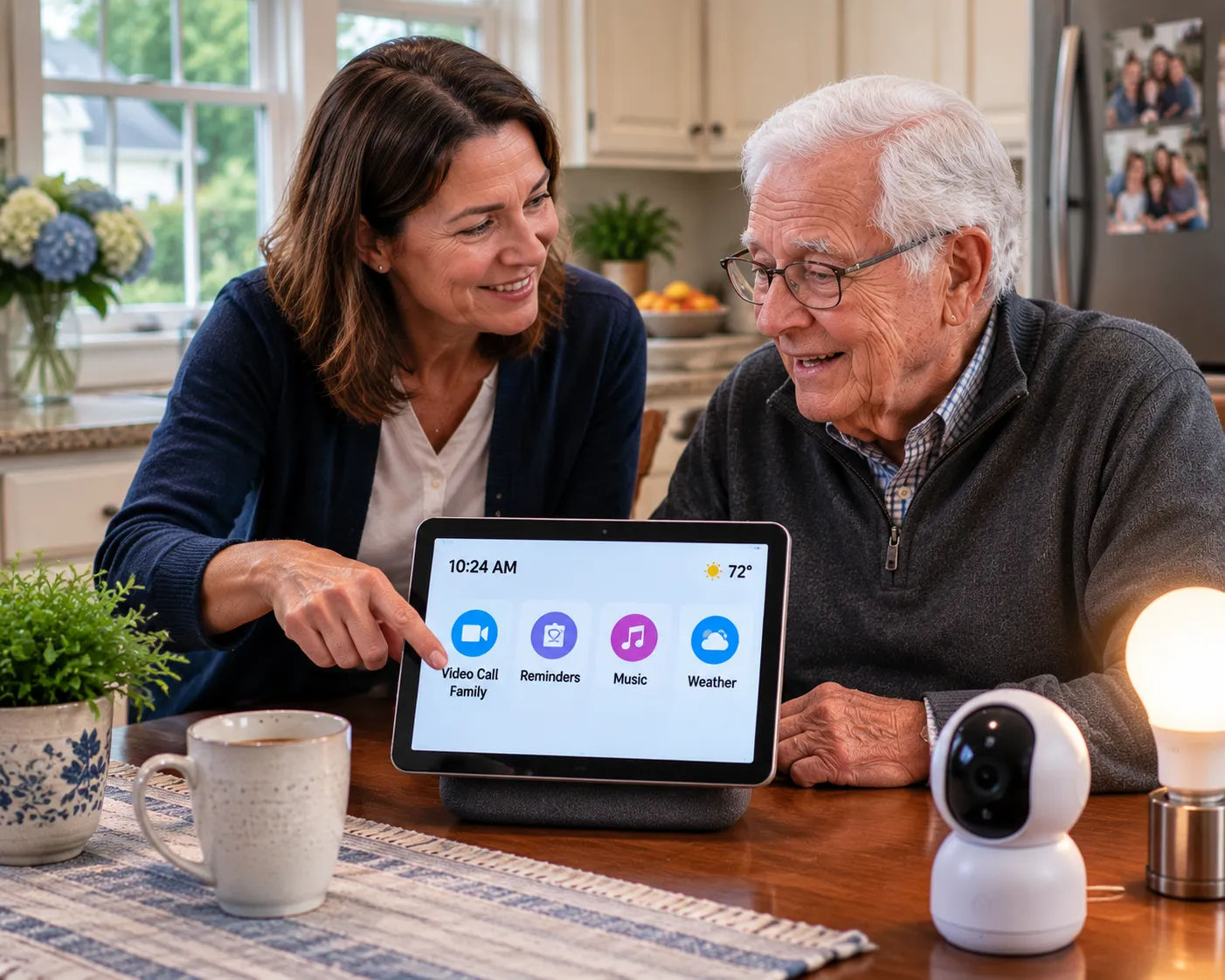
Beyond safety, technology plays a real role in addressing the isolation many seniors experience, particularly those who live alone or far from family. Simplified tablets designed specifically for older adults — with large icons and one-touch video calling — remove the friction that keeps many seniors from using standard smartphones or computers for this purpose.
Regular video calls with grandchildren, scheduled as a routine rather than an occasional treat, can meaningfully improve mood and cognitive engagement, and many families find that a grandchild's enthusiasm for showing a grandparent how to use a new device becomes a bonding experience in itself.
"My dad was never going to figure out a regular tablet, but the simplified one my daughter set up for him has actual buttons with our faces on them. He video calls her almost every day now, which never would have happened with a standard phone."
It also helps to check whether a device integrates with ones your parent already uses, or whether it requires an entirely separate app and account — every additional login and interface adds friction that can turn a helpful device into one that quietly stops being used within a few months.
Setting a Realistic Budget
Costs vary enormously depending on how much technology a family adopts. A basic medical alert pendant with monthly monitoring is typically the most affordable ongoing safety investment relative to its impact. A full smart home setup — locks, cameras, lighting, voice assistants, and monitoring — can add up to a meaningful monthly cost between devices and subscriptions. Rather than budgeting for everything at once, most families do better prioritizing the one or two devices addressing the most pressing risk — a fall history, isolation, or medication management — and expanding gradually as the household adjusts and as needs change.
Choosing Between Competing Products
Within each category — medical alert, voice assistant, video doorbell — there are dozens of competing brands and models, and reviews can be contradictory or driven by affiliate marketing rather than genuine usability testing. Rather than chasing the single "best" product, it's more useful to check for a few concrete things: a company with a working customer support line staffed by humans, a reasonable and clearly stated cancellation policy, and, where possible, a trial period so a parent can test a device before committing to it long-term.
A Real Family Scenario
Karen's father Walt initially refused a medical alert pendant, insisting he didn't need it. After a scare — he tripped in the garden and couldn't reach his phone for nearly twenty minutes — he agreed to try one, on the condition it stayed in a drawer most of the time. Six months later, he wears it daily, and he's used the button twice: once for a real fall, and once, he admitted with some embarrassment, because he'd locked himself out and wanted Karen's help figuring out the smart lock.
Privacy Considerations Families Often Overlook
Cameras, location tracking, and always-listening voice assistants raise legitimate privacy questions that families sometimes skip past in the rush to add safety measures. A parent who feels constantly monitored, rather than supported, may become resentful of the very technology meant to help them — which can lead to devices being unplugged, disabled, or simply ignored. Having an honest conversation about what's being monitored, why, and who has access tends to produce better long-term buy-in than installing devices without a parent's full understanding. Some families find a helpful middle ground: emergency-triggered monitoring, rather than continuous surveillance, respects independence while still providing a safety net.
How This Fits With Professional In-Home Care
Technology works best as a complement to human care, not a replacement for it. A medical alert system can summon help after a fall, but it doesn't prevent the fall in the first place, and it doesn't provide the companionship, meal preparation, or personal care support many seniors also need. Families who combine smart home technology with regular visits from a professional caregiver tend to get the benefits of both: faster emergency response, plus the ongoing relationship and hands-on support that no device can replicate.
Dee, Morning Star's founder: "Technology is a tool, not a caregiver. I've seen families install every gadget available and still miss something a person checking in regularly would have caught immediately — a subtle change in mood, a missed meal, clutter building up in a way that signals something's off."
Involving Adult Grandchildren in Setup and Ongoing Support
Grandchildren, especially teenagers and young adults comfortable with technology, can be an underused resource in getting a parent comfortable with new devices. A grandchild patiently walking a grandparent through a new tablet or smart speaker often has more patience — and more credibility as a trusted, non-judgmental teacher — than an adult child juggling their own frustration with a slow learning curve. This also has a side benefit worth naming directly: the process of teaching a grandparent to use a device often becomes a genuine source of connection between generations, not just a chore to get through.
Getting Started: A Simple First-Month Plan
Rather than researching every category of device at once, many families do better with a phased approach. In the first week, choose one clear priority — usually a medical alert system if there's any fall risk or if a parent lives alone — and get it set up and comfortably in use. In the following weeks, introduce a second device only once the first has become routine, watching for signs of overwhelm rather than assuming more is automatically better. By the end of a month, most families have a good sense of which devices their parent actually engages with versus which ones sit unused — information worth having before investing further in additional technology or subscriptions.
Common Mistakes Families Make With Senior Technology
- Buying the most expensive or feature-rich option rather than the simplest one that solves the actual problem at hand.
- Setting up a device and walking away without checking back in to see if it's actually being used correctly, or at all.
- Introducing several devices simultaneously, overwhelming a parent who was managing fine with none.
- Assuming resistance means "no" permanently rather than "not yet" — many parents come around to a device after a specific incident makes the benefit concrete.
- Forgetting to budget for ongoing subscription costs, which can add up across several devices with monthly monitoring fees.
When to Ask for Professional Guidance
If your family is overwhelmed by the sheer number of options, a home care agency, an occupational therapist, or your parent's physician can often provide a more tailored recommendation than a generic buying guide. Some agencies, including Morning Star, factor technology recommendations into a broader home safety assessment, which can help identify which specific gaps matter most for your parent's actual situation rather than a one-size-fits-all list.
Connecticut Resources for Technology and Aging in Place
- North Central Area Agency on Aging — technology and caregiver resources
- 211 Connecticut — statewide resource and referral line
A Final Thought
The right smart home devices for seniors aren't the ones with the most features — they're the ones your parent will actually wear, use, or rely on without a fight. Starting small, choosing based on your specific family's needs, and pairing technology with real human contact gives the best combination of safety and genuine independence.
References
- The Senior List — 2026 Medical Alert Device Usage Report
- Age Safe America — Smart Home Devices for Senior Independence in 2026
- ConsumerAffairs — Medical Alert Statistics 2026
This article is for general information and isn't a substitute for medical, legal, or financial advice. If you're concerned about a specific issue, talk to your parent's doctor or an elder law attorney.
Written by
Morning Star Care Team
Morning Star Home Care — Caregiver-Founded and Locally Owned in Bristol, CT.