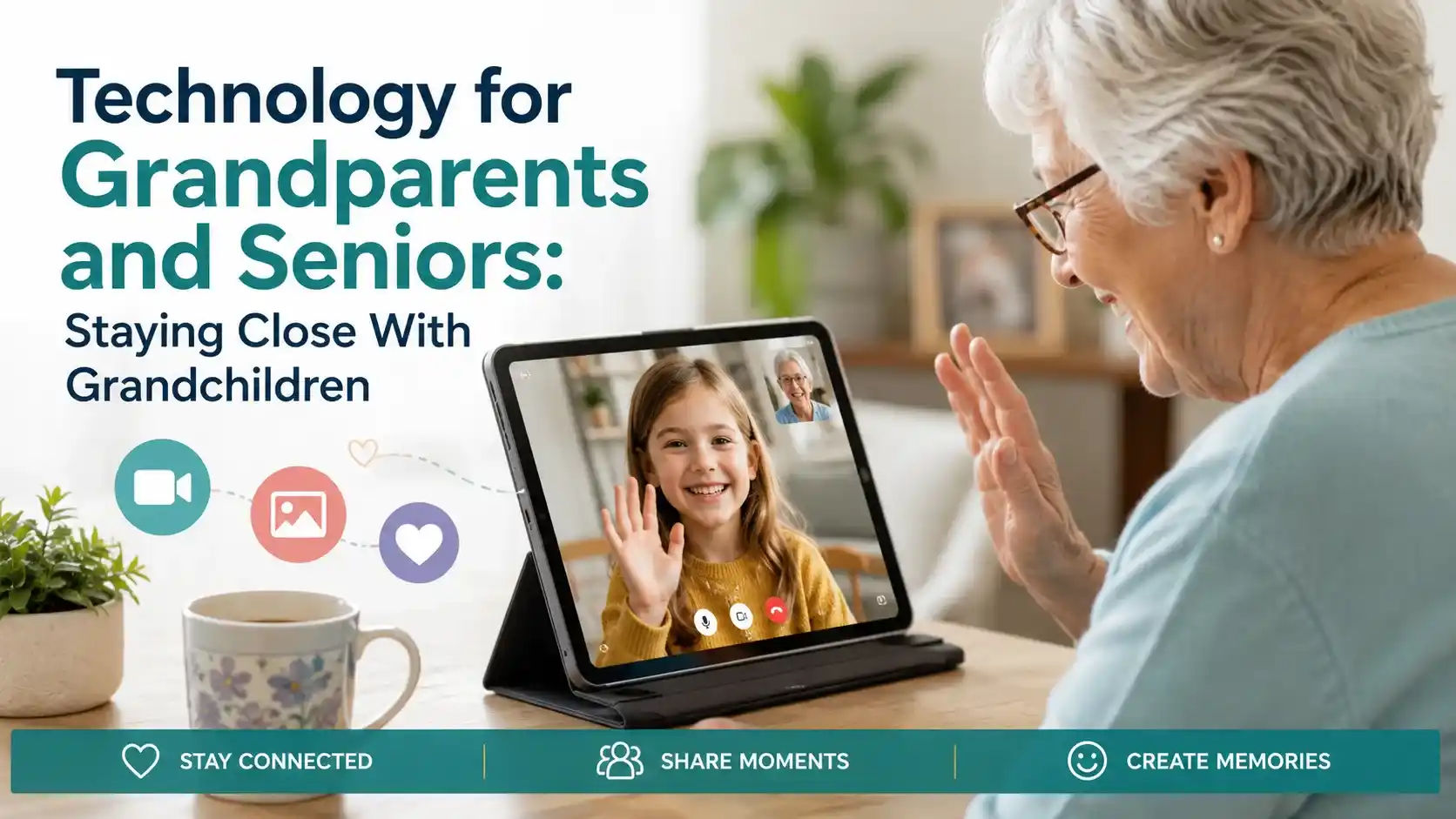
Technology for grandparents and seniors doesn't need to be complicated to make a real difference. The families who succeed at staying close across distance usually aren't using the most advanced tools — they're using a small number of simple ones consistently, chosen specifically for a grandparent's comfort level rather than what's newest or most feature-rich.
More than half of grandparents now have at least one grandchild living 200 miles or more away, and 68% say distance is a real barrier to seeing grandchildren as often as they'd like, according to AARP research. The good news: the same research found 89% of grandparents say engaging with grandchildren, including through video calls, genuinely improves their mental well-being.
Key Takeaways
- Video calling remains the single most valuable technology for grandparent-grandchild connection — seeing a face matters more than any other feature.
- Simplicity beats sophistication — a grandparent who feels confident using one simple tool will use it far more than an overwhelmed grandparent with many options.
- Consistency matters more than the tool itself — a regular, scheduled video call builds a stronger habit than sporadic, spontaneous attempts.
- Photo-sharing apps have a real, measurable impact on connection — over half of grandparents say they reduce loneliness.
- Grandchildren are often the best teachers — a patient grandchild walking a grandparent through setup builds both technical comfort and relationship.
Why Video Calling Should Be the Starting Point
Of all the technology options available, video calling has the clearest, most consistently documented benefit: seeing a grandchild's face and hearing their voice in real time creates a felt sense of connection that text messages and phone calls simply can't replicate. Nearly 40% of grandparents surveyed report video chatting with grandchildren daily or several times a week, a habit that accelerated sharply during the pandemic and has largely stuck.
For grandparents new to video calling, the biggest hurdle isn't usually willingness — it's the technical friction of getting started. Choosing the simplest available platform, and having a family member walk through setup in person if possible, removes most of the barrier.
Dee, Morning Star's founder: "The grandparents I work with who stay closest to their grandchildren aren't necessarily the most tech-savvy — they're the ones who've settled on one simple video calling routine and stuck with it. Consistency beats sophistication every time."
It's worth testing a couple of options together, if time allows, rather than committing to a single tool based on reviews alone — a grandparent's actual hands-on comfort with a device matters more than any feature comparison.
Choosing the Right Video Calling Tool
| Tool | Best For | Note |
|---|---|---|
| Simplified senior tablet (e.g., GrandPad) | Grandparents overwhelmed by standard devices | Large icons, one-touch calling, minimal setup |
| FaceTime (Apple devices) | Families already using iPhones or iPads | Very simple once set up, works well for short calls |
| Smart display (e.g., Amazon Echo Show, Google Nest Hub) | Hands-free, voice-activated calling | No app navigation required for the grandparent |
| Standard smartphone video apps | Tech-comfortable grandparents | More flexible, but more setup and navigation |
A brief troubleshooting checklist kept near the device — written in large, simple print — can also help a grandparent resolve minor issues independently rather than needing to call for help every time something goes slightly wrong.
Overcoming the Most Common Technical Frustrations
The most frequently reported problem among grandparents using video calling isn't unwillingness — it's technical glitches. Roughly a third report screen freezing or connection drops as their biggest frustration, which can be enough to discourage a grandparent who was already nervous about the technology in the first place.
- Choose a device connected to reliable WiFi, not relying on cellular data in a room with weak signal.
- Keep the app or device updated — outdated software is a common, avoidable source of glitches.
- Schedule calls at consistent times so a grandparent knows what to expect and isn't caught off guard by a spontaneous call request.
- Have a simple backup plan — a phone call — if video connection fails, so the whole interaction isn't lost to a technical glitch.
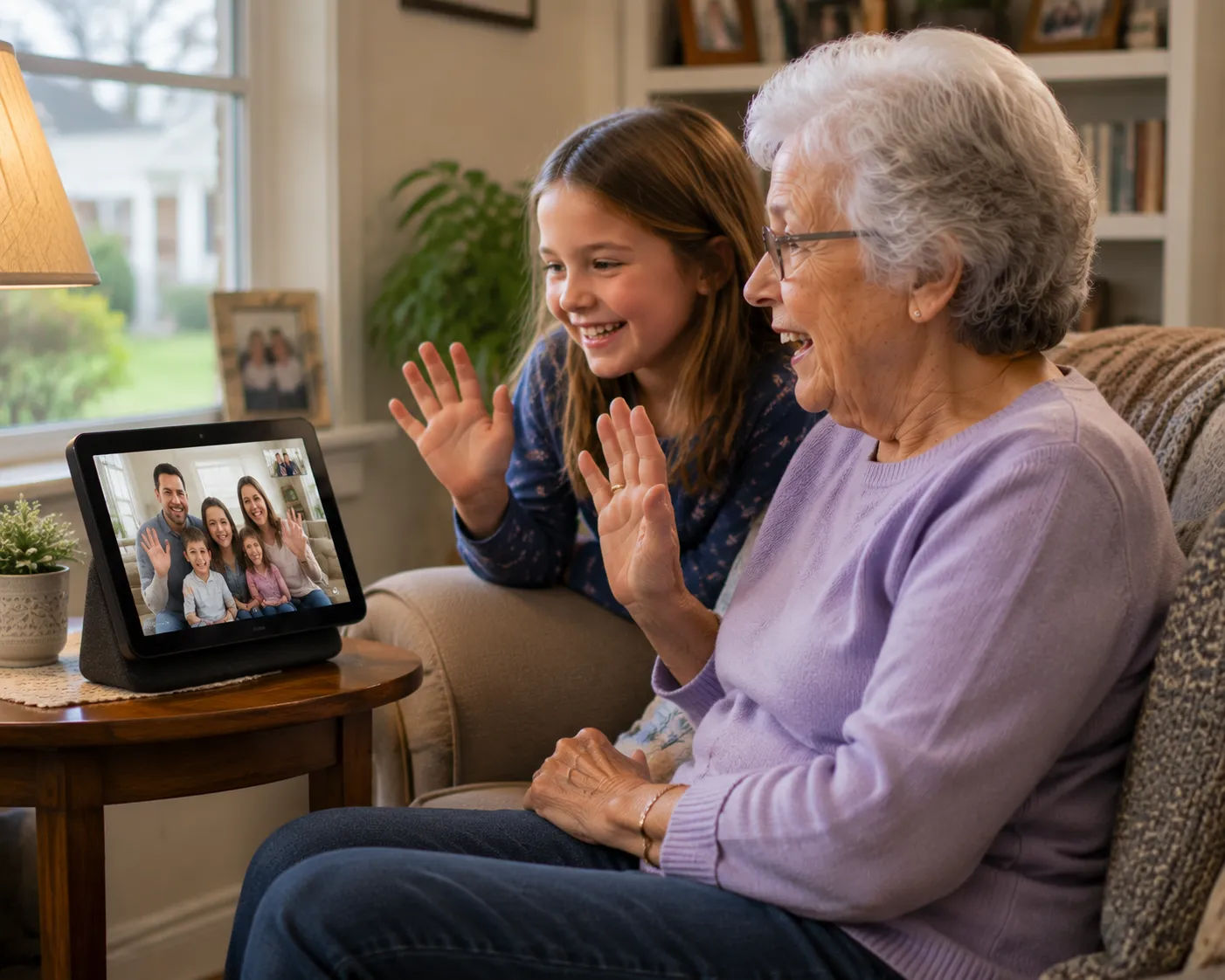
Photo and Memory Sharing
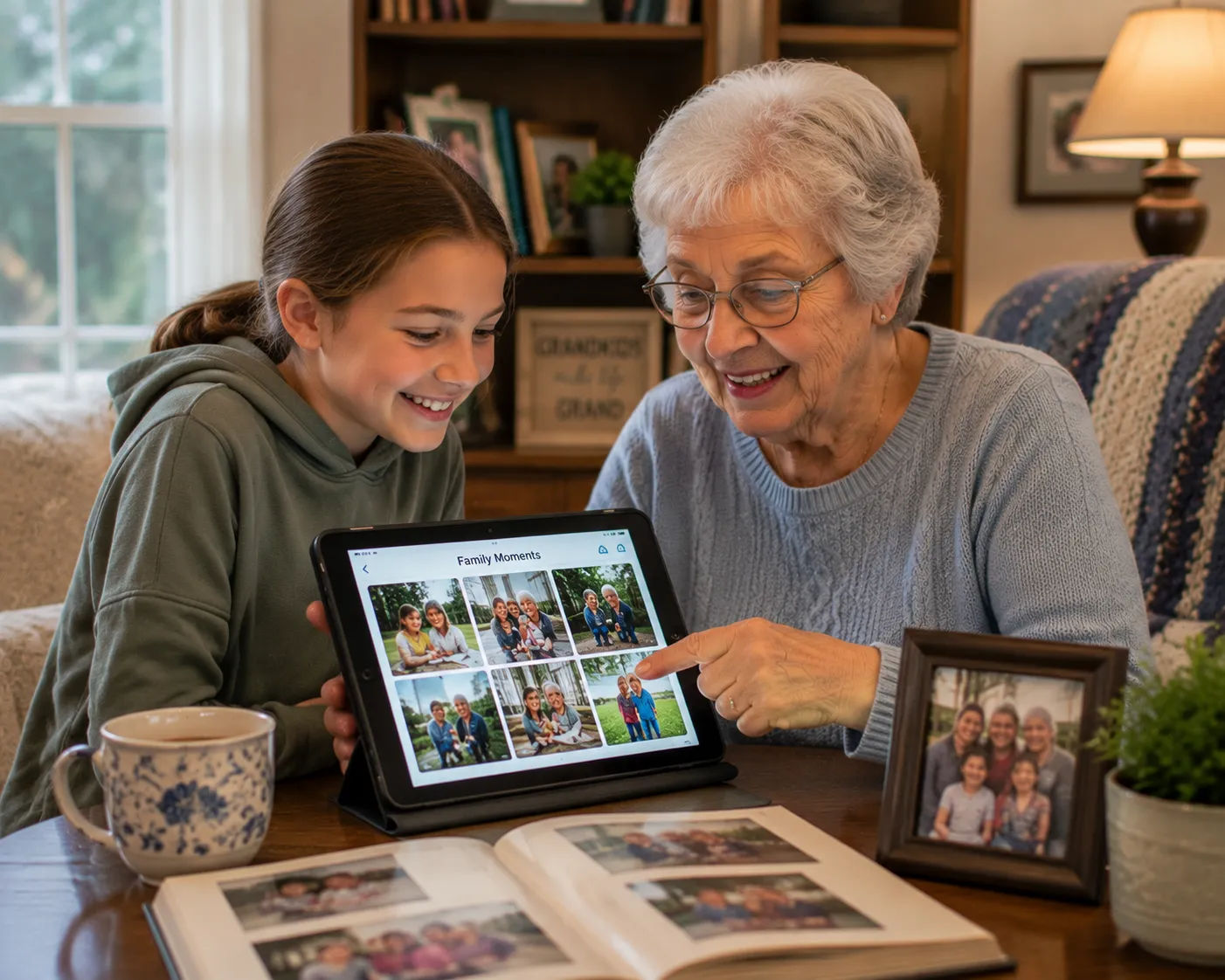
Beyond live video, ongoing photo sharing has a documented impact on how connected grandparents feel — 87% report that photo and connection apps affect how close they feel to family, and more than half say these apps specifically reduce loneliness. A shared family photo album, or a digital picture frame that automatically updates with new photos, gives a grandparent a steady stream of connection between live conversations.
"We set my mother-in-law up with a digital photo frame that updates automatically whenever anyone in the family posts a new photo. She calls it her favorite gift ever — she says it feels like the grandkids are visiting every day, even when they're states away."
It's worth choosing a photo-sharing tool the whole extended family will actually contribute to consistently, since a photo stream that goes quiet after the first few weeks provides far less ongoing benefit than one the family commits to updating regularly.
Voice Assistants for Reminders and Easy Contact
Smart speakers let a grandparent call a family member with a simple voice command, without navigating a phone's contact list or remembering a number — genuinely useful for anyone who finds smartphone menus frustrating. Many grandparents also use these devices for medication reminders, weather updates, or simply as an easy way to play music shared by grandchildren. These devices work especially well for grandparents living alone, since a simple spoken request removes the physical step of finding and picking up a phone — genuinely useful for anyone with limited mobility or dexterity. Even a single successful setup session can shift a grandparent's entire relationship with technology going forward, building a foundation of confidence they can draw on when learning the next tool.
Involving Grandchildren in the Setup
Children and teenagers are often more patient teachers of technology than adult children realize, and the process of a grandchild showing a grandparent how to use a new device frequently becomes a bonding experience of its own, not just a chore to get through. Framing setup as something to do together, rather than something done to a grandparent, tends to produce both better technical adoption and a warmer relationship.
For younger grandchildren too small to teach technology themselves, a scheduled video call can still become a meaningful ritual — a bedtime story read over video, a weekly "show and tell" of a toy or drawing, or simply watching a grandchild do homework together over the connection. A routine also helps give grandchildren a reliable, predictable way to reach out, which matters especially for children still developing the social confidence to initiate contact on their own. Knowing exactly when the next call is scheduled removes the uncertainty that can otherwise make video calls feel like an occasional chore rather than an anticipated event.
Building a Routine, Not Just a One-Time Setup
Technology that's set up once and never used regularly doesn't deliver the connection benefits research points to. Building a consistent routine — a standing Sunday evening video call, a daily good-morning text exchange, a weekly photo update — turns a device into a genuine part of family life rather than a novelty that fades after the first few weeks.
- A recurring weekly video call at a set day and time, treated as a standing family appointment.
- A shared family group chat or photo stream that grandparents can check at their own pace.
- A simple ritual — a bedtime story, a weekly recipe share, a homework check-in — that gives the technology a specific purpose beyond generic "catching up."
Technology for Grandparents Managing Memory Changes
For grandparents experiencing early memory loss or mild cognitive decline, technology needs can shift. Simplified devices become even more valuable, since complex menus and multi-step processes become genuinely difficult to navigate, not just inconvenient. Photo apps that automatically display family photos without requiring active navigation, and voice-activated calling that doesn't rely on remembering how to find a contact, tend to work far better than standard smartphone interfaces. Some families also find that recorded messages — a grandchild's voice reading a story, or a video message that can be replayed anytime — provide comfort and connection even when live video calls become harder to coordinate around a grandparent's changing cognitive state. It also helps to accept that the first few sessions may involve some awkwardness on both ends — a grandchild unsure what to say on camera, a grandparent unsure where to look. This settles with practice, and it's worth preparing a grandparent for this expectation rather than assuming any initial stiffness means the technology isn't working.
Setting Up for Success: A First Session Checklist
The first time introducing a new device matters enormously for whether it gets adopted long-term. A rushed, frustrating first experience often means a device gets set aside permanently, while a calm, well-supported first session builds the confidence to keep using it.
- Choose a quiet time with no pressure — not squeezed into a few rushed minutes before a family member has to leave.
- Write down simple, numbered steps in large print, for the grandparent to reference later without needing to call someone.
- Do a practice call together before relying on the technology for a real, anticipated event.
- Save it as the very first, most prominent icon or contact so it's easy to find without searching.
- Follow up within a few days to troubleshoot anything that came up, rather than assuming the first session solved everything.
What to Do When a Grandparent Resists New Technology
Resistance to new technology is common and usually isn't about the technology itself — it's often about a fear of embarrassment, a past frustrating experience, or simply not wanting to feel like a burden by asking for help repeatedly. Understanding the specific source of resistance helps address it more effectively than simply repeating that the technology is "easy."
Framing new technology around a specific, meaningful goal — "so you can see the new baby every week" rather than "so you can use video calling" — tends to overcome resistance better than a general pitch about staying connected. It's also worth accepting that some grandparents may never fully embrace video technology, and maintaining strong phone or in-person connection remains entirely valid.
Dee, Morning Star's founder: "I encourage families not to take it personally if a grandparent resists at first. It usually softens once there's a specific moment they don't want to miss — a great-grandchild's first steps, a school play. Give it time and a real reason, not just the technology itself."
There's also value in simply naming this tradeoff honestly within a family — acknowledging that video calls are a meaningful supplement, not a full substitute, helps set realistic expectations rather than either dismissing technology's value or over-relying on it as a complete solution.
Balancing Technology With In-Person Connection
Technology should supplement time together, not replace the value of an in-person visit when one is possible. Families who live close enough for occasional visits sometimes over-rely on video calls out of convenience, missing chances for physical presence that carries its own distinct value — a hug, a shared meal, simply being in the same room. For families separated by real distance, technology becomes the primary way of maintaining closeness between visits, which makes getting the routine right even more important — it's carrying more of the relationship's weight than it would for a family that sees each other regularly in person.
A Real Family Scenario
When Karen's daughter started kindergarten in Farmington, they set up a standing Sunday evening video call with Karen's father Walt, several towns away. What began as an awkward, stilted five-minute check-in became, within a couple months, a genuine weekly ritual — her daughter now insists on showing Walt her school drawings and asking him to read a bedtime story over the call, and Walt has mentioned it's become the highlight of his week. Even small traditions, once established, tend to become something a grandparent actively looks forward to and mentions to others — a sign that the technology has moved past being a tool and become a genuine part of the relationship.
Long-Distance Traditions Built Around Technology
Some of the strongest long-distance grandparent relationships are built not just on regular calls, but on small shared rituals that give the technology a specific, recurring purpose. A weekly virtual dinner where both households eat the same meal on video, a shared online jigsaw puzzle app worked on together over calls, or a virtual book club between a grandparent and an older grandchild all turn generic "checking in" into something with real structure and anticipation. These rituals work particularly well because they give a grandchild something concrete to look forward to and talk about, rather than an open-ended video call that can feel awkward for a child unsure what to say.
Technology That Supports Independence, Not Just Connection
Beyond staying in touch with grandchildren, many of the same devices — voice assistants, tablets, smart displays — serve double duty in supporting a grandparent's broader independence: medication reminders, calendar alerts for appointments, or quick access to a family member in an emergency. Choosing devices that serve both purposes can make the investment of time spent learning a new device more worthwhile. Families setting up technology purely for grandchild connection sometimes miss this broader opportunity — a single well-chosen device, properly set up, can address loneliness, safety, and daily support needs all at once. Some cellular carriers and community organizations also offer discounted devices or service plans specifically for seniors, which can make dedicated hardware more accessible for families on a tighter budget — it's worth asking directly rather than assuming full retail price is the only option.
Cost Considerations
Simplified senior tablets designed specifically for this purpose typically involve both a device cost and a modest monthly service fee, while using an existing family smartphone or tablet with a free video calling app costs nothing beyond what the family already owns. For budget-conscious families, starting with a free option on an existing device is a reasonable first step before investing in specialized hardware. It's also worth checking whether any existing devices in the grandparent's home — an old tablet, a smart TV with video calling capability — could be repurposed rather than purchasing something new.
Involving Multiple Generations at Once
Group video calls that bring together several family members at once — cousins, siblings, in-laws — can create a different kind of connection than one-on-one calls, recreating something closer to a family gathering even when everyone is scattered across different states. These larger calls do require a bit more coordination around scheduling, but many families find they're worth the extra planning for holidays or special occasions. For a grandparent managing several separate one-on-one relationships with grandchildren, occasional group calls can also reduce the overall burden of staying in touch with everyone individually, consolidating connection into fewer, richer interactions. Holidays in particular tend to highlight the value of these larger calls — a grandparent joining in briefly on a video call during a family gathering they can't attend in person often means more than a separate, private call held at another time entirely.
How This Fits With Broader Family Support
Technology for staying connected is only one piece of supporting an aging parent or grandparent well. For grandparents who are also managing health needs, mobility limitations, or isolation beyond what video calls can address, professional in-home care can complement the connection technology provides — a caregiver present for daily support and companionship, alongside the ongoing family connection technology helps sustain between visits.
"Families sometimes discover that a grandparent's reluctance around video calls was actually connected to broader isolation or a low mood that technology alone can't fully resolve. If this seems to be the case, it's worth looking beyond the device itself toward whether more regular human contact — whether family visits or professional companionship — is the deeper need."
A Final Thought
The right technology for grandparents and seniors isn't the newest or most feature-rich option — it's the one that gets used consistently, without frustration, to actually connect with the people who matter most. Starting simple, building a routine, and involving grandchildren in the process tends to produce the strongest, most lasting connection.
References
- AARP — Grandparents Are Using Technology to Stay Connected
- AARP Public Policy Institute — Video Chats Help Bond Grandparents and Grandchildren
- A Place for Mom — Technology for Grandparents and Grandkids
This article is for general information and isn't a substitute for medical, legal, or financial advice. If you're concerned about a specific issue, talk to your parent's doctor or an elder law attorney.
Written by
Morning Star Care Team
Morning Star Home Care — Caregiver-Founded and Locally Owned in Bristol, CT.